
On every screen
Choose how you want to enjoy LATVWEB
Access from television, mobile, or desktop with an experience prepared for your device.
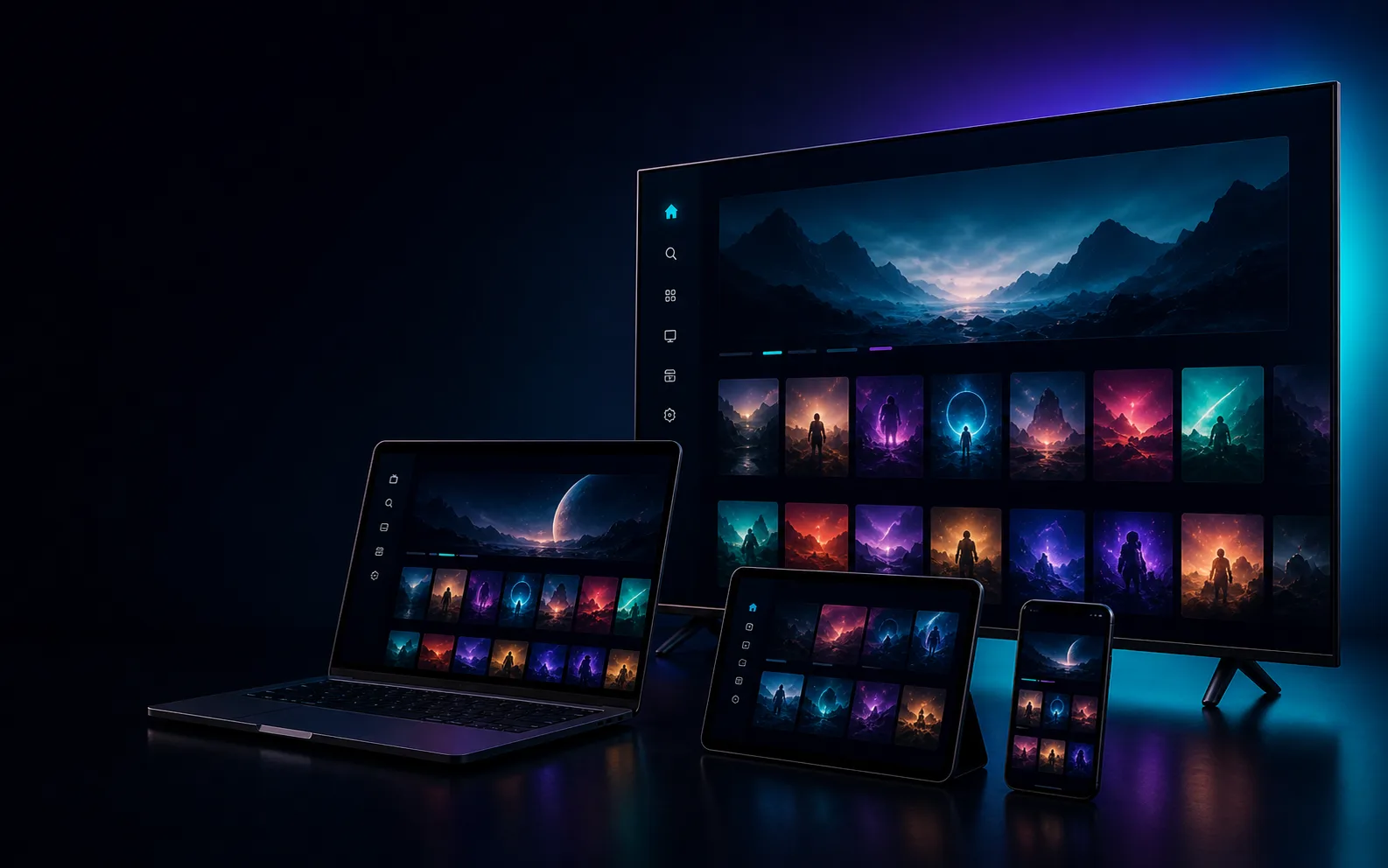
Access options
Your screen, your experience
Choose the option prepared for the device you use.
Android
Available
LATV Android / FireStick / Android Box
Recommended app for FireStick, Android phones, Android TV, and TV Box devices.
Download
Windows
Available
LATV Windows
Application for Windows computers.
Download
Mac
Available
LATV Mac
Installation package for Mac computers.
Download
Web
No install
LATVWEB in your browser
Enjoy live content from your browser with private access.
Sign in now
Tutorials
Installation tutorials
Use these videos as a quick guide to set up your device.
Smart TV
Visual guide to install and prepare LATV on compatible TVs.
Watch tutorialWindows
Recommended steps to download, install, and sign in from Windows.
Watch tutorialiPhone
Quick reference for customers using iPhone or a mobile browser.
Watch tutorial